
Picking a new finance system is only half the decision. Just as important is who helps you get there. A strong platform like Microsoft Dynamics 365 Business Central can still fall short if the implementation is rushed, poorly planned, or handled by a partner who does not understand how nonprofits actually operate. This post looks at what to consider when choosing an ERP partner, and how to set your organization up for a smooth transition.
Why the Partner Matters as Much as the Platform
Software is only one part of an ERP project. The other part is the people who configure it, migrate your data, train your staff, and support you after go-live. Two organizations can implement the exact same software and end up with very different results depending on how that work is done.
A good partner understands not just the technology, but the specific pressures nonprofits face: restricted funds, grant compliance, board reporting, and often a small finance team wearing many hats. Without that context, a partner may build a technically correct system that still does not fit the way your organization works.
What to Look For
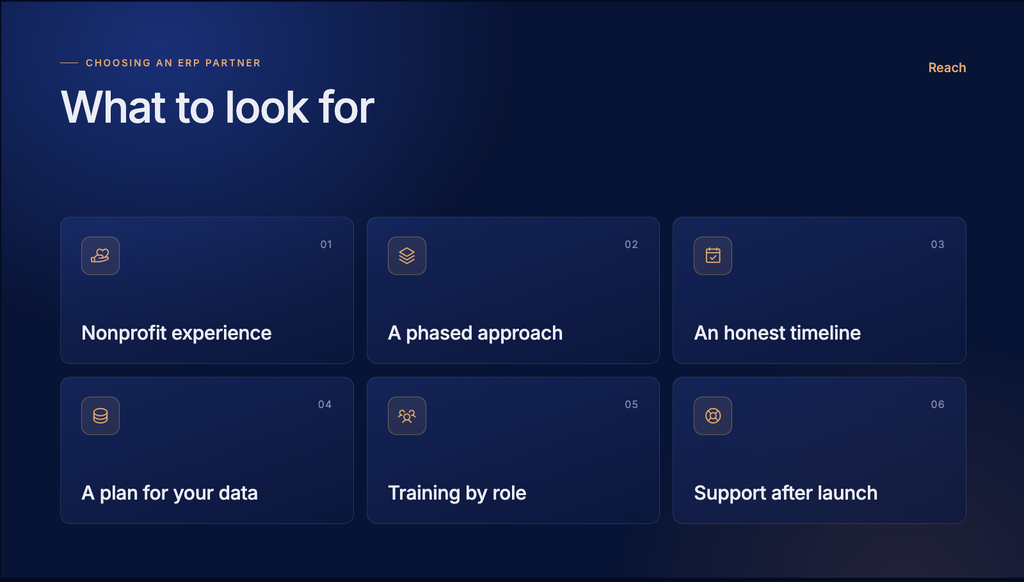
Nonprofit experience, not just ERP experience. Many implementation partners are skilled with the software but have mostly worked with for-profit companies. Ask for examples of nonprofit clients specifically, and ask how those projects handled fund accounting, grant tracking, or compliance reporting. The answers will tell you quickly whether the partner understands your world or is learning it on your project.
A clear, phased approach. Be cautious of any partner who proposes turning on every feature at once. The strongest implementations usually start with core financials, such as the general ledger, accounts payable, and basic reporting, and then add budgeting, grant tracking, or integrations in later phases. This reduces risk and gives your team time to adjust to each new piece.
Honesty about the timeline and effort. A partner who promises an unusually fast or low effort implementation may be underestimating the work involved, especially around data migration and staff training. Ask for a realistic range based on organizations similar to yours in size and complexity and be wary of numbers that seem too good to be true.
A plan for your data, not just your software. Migrating historical account balances, past transactions, vendor and donor records, and grant history is often the most time-consuming part of an ERP project. Ask specifically how the partner plans to handle this, including how many years of history will move over and how that data will be tested before go live.
Training built around your roles. Different staff need different training. A payroll administrator does not need the same training as a program manager who only views budget reports. Look for a partner who tailors training by role rather than offering one generic session for everyone.
Support that continues after launch. The weeks right after go live are often when the real questions come up. Ask what support looks like in the first 30 to 90 days after launch, and what ongoing support looks like once the project officially wraps up.
Questions to Ask During the Selection Process
- Can you share examples of nonprofit organizations similar in size and mission to ours?
- How do you typically structure fund and grant tracking within the system?
- What does your data migration process look like, step by step?
- How do you handle integrations with other systems we already use?
- What training options are available for different staff roles?
- What support is included after go live, and for how long?
- How do you handle changes in scope if our needs shift partway through the project?
The way a partner answers these questions, not just what they say but how clearly and specifically they answer, often tells you as much as the answers themselves.
Preparing Your Organization Internally
Choosing the right partner is important, but internal preparation matters just as much. A few steps can make a real difference before the project even begins.
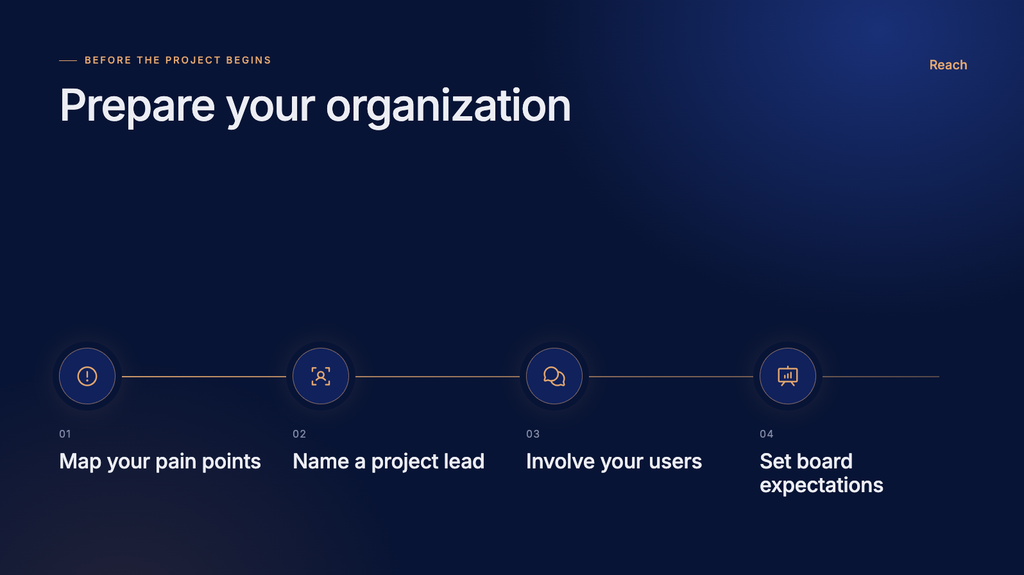
Get clear on your current pain points. Before evaluating any system or partner, take time to document where your current process breaks down. Is it grant reporting, budget visibility, payroll, or manual data entry? A clear list of pain points helps you evaluate options against your actual needs rather than a long feature list.
Identify your internal project lead. Every successful implementation has someone internally who can make decisions, answer questions quickly, and keep the project moving. This does not need to be a full-time role, but it should be someone with enough authority and time to stay engaged throughout the project.
Involve the people who will use the system. Finance staff, program managers, and anyone who regularly touches budgets or reporting should have a chance to weigh in during planning. Systems designed without input from actual users often run into resistance later, even if the technology itself works well.
Set realistic expectations with your board and leadership. ERP projects take time, and there will be a learning curve after launch. Setting this expectation early, rather than promising an instant fix, helps keep support strong throughout the project instead of losing momentum halfway through.

Stop letting outdated systems hold your finance team back.
Reach can help you go live fast with Rapid Business Central Implementation.
A Partnership, Not Just a Purchase
The strongest ERP projects tend to feel less like a vendor selling software and more like a partnership working toward a shared goal. Your team knows your mission, your funders, and your day-to-day operations. A good partner brings deep knowledge of the platform and experience guiding similar organizations through the same kind of change. When both sides bring that expertise to the table, the result is a system that actually fits how your organization works, rather than one your organization has to work around.
Reach has worked with nonprofits across sectors, including human services, arts and cultural organizations, and government adjacent agencies, to guide Business Central implementations from planning through go-live and beyond. If your organization is starting to think about this kind of transition, we are glad to talk through what the process could look like for you.