
Connecting Claude to Microsoft 365 is not inherently unsafe, but it materially changes your data exposure model. The real risk is governance, not traditional external compromise (hacking). With delegated permissions, assignment-required enterprise apps, and a controlled rollout, the Microsoft 365 connector can be enabled safely. Under those conditions, we recommend moving forward with adoption.
Why this question matters right now
Many teams are already using Claude for drafting, research, analysis, and knowledge synthesis. The next step most organizations face is the same one we just worked through: should we turn on the Microsoft 365 connector so Claude can search across Outlook, SharePoint, OneDrive, and Teams?
The instinctive answer is “no, that’s our sensitive data.” The accurate answer is more nuanced. This post walks through what the connector actually does, where the real risks live, how to mitigate them, and the path forward we recommend.
What the Microsoft 365 connector for Claude actually does
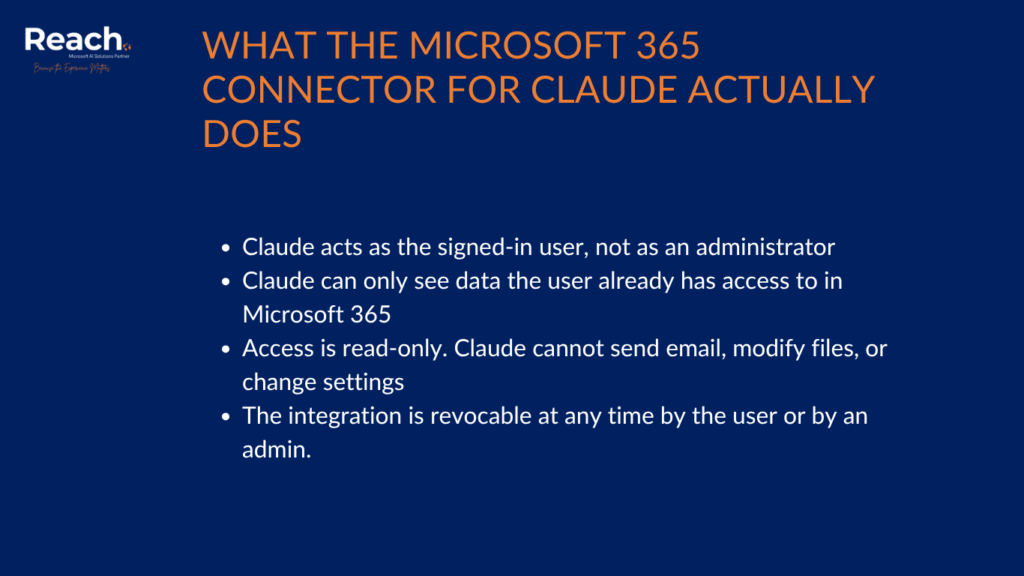
The connector links Claude to Microsoft 365 through the Microsoft Graph API using delegated permissions. In plain terms:
- Claude acts as the signed-in user, not as an administrator
- Claude can only see data the user already has access to in Microsoft 365
- Access is read-only. Claude cannot send email, modify files, or change settings
- The integration is revocable at any time by the user or by an admin.
Technically, this is similar to granting any other third-party SaaS application permission to read email and files. The key difference is that the consumer is a large language model capable of synthesizing information across everything it retrieves.
The real security model: two trust boundaries
There are two distinct trust boundaries to think about, and most of the confusion around this topic comes from collapsing them into one.
Boundary 1, Microsoft side (controlled): Permissions are enforced by Microsoft Entra ID. Admin consent is required. Access is auditable and revocable. Standard SaaS governance applies.
Boundary 2, Anthropic side (external): Once data is retrieved, it is processed outside the Microsoft compliance boundary, under Anthropic’s terms, not Microsoft’s.
This is the shift that matters: you are extending your tenant into a third-party AI system. That is not automatically bad, but it does mean Microsoft’s logging, retention, and DLP controls no longer fully apply once the data has been pulled.
What are the benefits of connecting Claude to Microsoft 365?
For knowledge-driven organizations, the productivity case is real:
- Cross-source retrieval. Search Outlook, SharePoint, OneDrive, and Teams in a single natural-language query, without manual uploads
- Permission-respecting access. Claude never sees what the user can’t see, so no overreach by default
- Read-only blast radius. No destructive actions possible through the connector
- Faster pre-sales and proposal work. Reuse of prior RFP responses, case studies, and patterns from past engagements
- Better institutional memory. Instead of pinging senior people for context, the team can ask Claude.
- Tighter execution. Meeting and email synthesis surfaces risks and missed follow-ups.
What are the risks of connecting Claude to Microsoft 365?
The risks are real, but they are mostly about governance and human behavior, not the connector itself.
1. Data leaves the Microsoft compliance boundary. Unlike Microsoft 365 Copilot, content retrieved by Claude is processed by Anthropic. Different logging, retention, and compliance model.
2. User-driven aggregation risk. Claude will happily do queries that no human would do manually, such as “summarize all client emails,” “compare pricing across deals,” or “list every contract expiring next quarter.” This creates concentrated exposure patterns that didn’t exist before.
3. Bypass of endpoint controls. Connector traffic goes through Graph API, not the user’s device, so endpoint DLP may not catch it. Governance must move to the identity and app layer.
4. Prompt-injection and exfiltration risk. Maliciously crafted content inside accessed documents could try to steer the model toward unintended data retrieval. This is an emerging risk for any agentic system.
5. Over-permissioning. The default permission set is broad: Mail.Read, Files.Read.All, Sites.Read.All, Teams chat and channel reads. Granted to every user without scoping, the surface area is large.
How does this compare to Microsoft 365 Copilot?
| Aspect | Claude M365 Connector | Microsoft 365 Copilot |
| Where data is processed | Outside Microsoft (Anthropic) | Inside Microsoft compliance boundary |
| Governance model | Shared responsibility | Fully Microsoft-controlled |
| Flexibility / model choice | Higher | Lower |
| Risk profile | Higher (if ungoverned) | Lower (by default) |
The core trade-off is capability vs. control. Claude brings a more capable general-purpose model and cross-tool reasoning. Copilot keeps everything inside Microsoft’s boundary.
Realistic risk scenarios
A few examples of what can go wrong without governance:
- A sales lead asks Claude to “summarize pricing across all deals.” Pricing strategy is aggregated and processed externally
- A consultant asks Claude to “compare issues across all clients.” Cross-client insights surface, potentially violating NDAs
- An HR user asks Claude to “summarize employee issues from Teams.” Sensitive people data leaves the tenant
- An employee connects a personal Claude account to the corporate tenant. Zero enterprise governance.
None of these are connector flaws. They are policy gaps the connector happens to expose.
How to make the Microsoft 365 connector safe to use
This is the part that matters. The connector ships with several controls that, used together, dramatically reduce real-world risk.
1. Use delegated permissions (this is the default)
The connector relies on Microsoft Graph delegated permissions assigned to two enterprise applications in your tenant:
- M365 MCP Server for Claude
- M365 MCP Client for Claude
Because permissions are delegated, Claude inherits the signed-in user’s access. It cannot see anyone else’s data. This is Microsoft’s standard delegated access model.
2. Set “Assignment required” = Yes on both enterprise apps
This is the single most important control. In the Entra admin center, on both enterprise applications, set Assignment required to Yes, then add only the specific users or groups that are approved to use Claude with M365.
Effect: no one in the tenant can authenticate the connector unless they are explicitly assigned. If an unassigned user tries, they receive a clear authorization error.
In our own validation, after enabling Assignment Required and assigning only two approved users, a third user who had successfully connected earlier was immediately blocked, exactly as expected.
3. (Optional, Phase 2) Conditional Access policies
For a tighter posture, layer Entra Conditional Access on the connector apps:
- Restrict connector access to managed devices
- Require MFA at connection time
- Apply session controls (timeouts, sign-in frequency).
4. (Optional) Reduce the data surface
You can selectively revoke individual permissions (Mail.Read, Files.Read.All, Chat.Read, and so on) on the M365 MCP Server for the Claude enterprise app. Trade-off: every revocation makes the connector less useful. Recommended only where a specific compliance rule requires it.
5. Define a usage policy
Technical controls are necessary but not sufficient. Pair them with a short, explicit usage policy:
- Encouraged: drafting, summarization, knowledge retrieval, meeting recap
- Discouraged: broad cross-client comparisons, pricing aggregation, financial roll-ups, HR or people-data queries.
Recommendation: enable the connector under controlled conditions
Based on validation testing and the security adjustments now in place, the recommended path forward is to enable the Microsoft 365 connector for Claude under controlled conditions.
Perform validation
Test the connector with a couple of users. Check if they establish an M365 connection and retrieve Outlook data via Claude. If this is confirmed:
- The connector works as documented
- Access is per-user, not tenant-wide. Each user sees only their own data
- Disabling assignment immediately blocks unauthorized users without affecting approved ones.
Proposed initial rollout
- Enable the M365 connector at the organization level in Claude
- Keep Assignment Required = Yes on both enterprise applications (M365 MCP Server for Claude and M365 MCP Client for Claude)
- Limit access to a small, approved pilot group. Start with a couple of trusted users
- Block user self-consent for third-party apps at the tenant level to eliminate shadow connections
- Publish the usage policy so the pilot group knows what is in and out of scope
- Monitor for value and behavior. Use Entra sign-in logs and app usage data on the enterprise applications
- Decide on expansion after the pilot, including whether to add Conditional Access or further scope permissions.
The bottom line
- Technically secure? Yes, within modern SaaS standards
- Operationally safe? Only with governance, primarily Assignment Required, blocked user self-consent, and a usage policy.

Start small. Stay in control.
Reach can help you run a secure pilot and scale Claude with Microsoft 365 the right way.

Principal at Reach
Radovan Miodragovic is a Dynamics 365 Technical Solution Architect and Team Lead in Reach with over 17 years of experience in delivering complex technical solutions. A solution-oriented leader, he specializes in the architectural design, development, and implementation of Microsoft Dynamics 365 for Finance and Operations, alongside expertise in Azure, Power Platform, and DevOps. Radovan holds a Master of Science in Electronics Engineering and carries an extensive list of industry credentials, including the Dynamics 365: Finance and Operations Apps Solution Architect Expert certification.