
Introduction to Orchestration Patterns in Multi-Agent Systems
So, you’ve decided to build a multi-agent system. You’ve identified your agents, defined their responsibilities, and you’re ready to let them loose on your problem.


So, you’ve decided to build a multi-agent system. You’ve identified your agents, defined their responsibilities, and you’re ready to let them loose on your problem.

If you’ve been following the AI conversation lately, you’ve probably heard the term “agents” thrown around more times than you can count. But here’s the thing: most discussions focus on single agents doing single tasks.
In the digital era, businesses need ERP systems that can grow alongside their operations, handle fluctuating workloads, and offer predictable
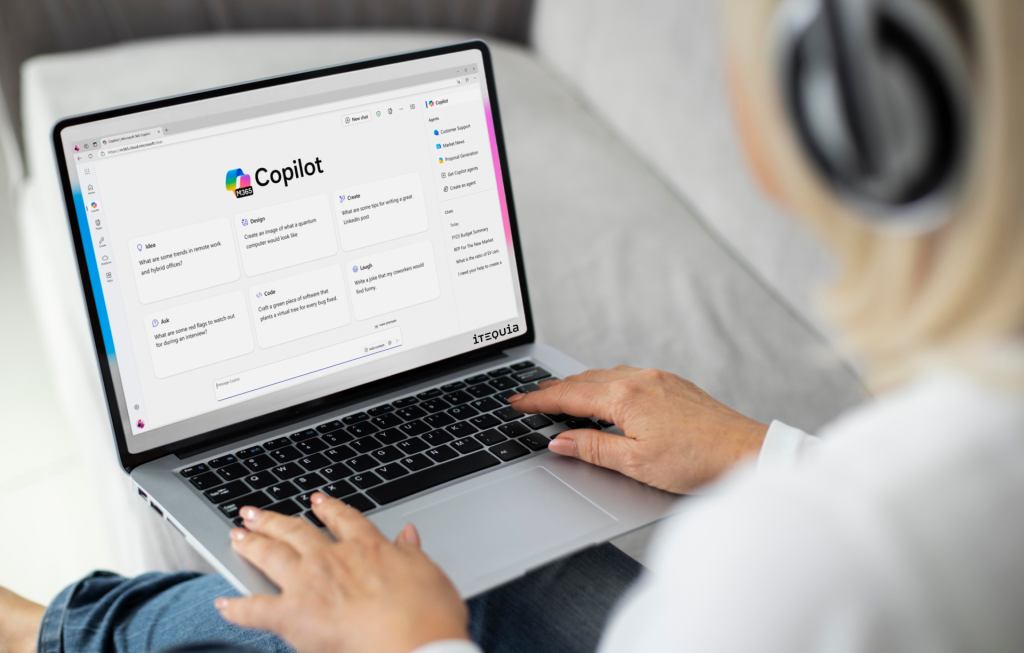
We’ve covered how to build custom views manually—adding filters, columns, saving and sharing. But if you find all those filter options overwhelming, there’s a faster way: just ask Copilot AI.

Business Central Microsoft stands out by offering deployment flexibility—Cloud (SaaS), On-Premise, or Hybrid—while ensuring robust connectivity across Microsoft services and third-party systems.

Now let’s talk about views—how to customize what you see, save those customizations, and share them with your team.

Businesses rely on ecosystems of applications—from CRM and e-commerce to payroll, logistics, and reporting. The ability to integrate seamlessly across systems is no longer a nice-to-have; it’s a core requirement.

Most organizations already collect the right data—what they lack is a clean, repeatable way to deliver operational information to the people who need it, in the tools they already use. Microsoft Dynamic 365 Business Central (BC) shines here.

When we needed a sales app that actually worked the way our team does, we built it in Dynamics 365 for sales. Here’s what that looks like in practice and what you can learn from it.