
Business performance planning (BPP) in Dynamics 365 Finance helps organizations connect financial and operational planning in one integrated environment—turning fragmented data and static spreadsheets into actionable, collaborative plans.
For finance and supply chain leaders under pressure to plan faster, forecast more accurately, and respond to volatility, Business performance planning provides a practical path to extended planning and analysis (xP&A) using tools teams already trust: Power BI, Excel, and Dynamics 365 Finance & Supply Chain Management (SCM).
At Reach, we see BPP as a foundational capability for organizations looking to modernize planning without adding complexity.
Why Traditional Planning Models Are No Longer Enough
Most planning challenges don’t come from a lack of data, but from disconnected systems, manual processes, and limited visibility across functions.
Common issues we see with finance and supply chain clients include:
- Financial plans built separately from operational realities
- Heavy reliance on Excel with manual data consolidation
- Limited scenario modeling when demand or supply changes
- Delayed insights that arrive too late to influence decisions.
What Is Business Performance Planning in Dynamics 365 Finance?
Business performance planning is Microsoft’s native planning and analytics capability for Dynamics 365 Finance & Supply Chain Management, built on Dataverse and tightly integrated with Power BI and Excel.
It is designed around two core activities:
1. Modeling planning data
Organizations define the structure needed for planning by creating:
- Dimensions – such as product, customer, time, territory, or cost center
- Facts – numeric measures like revenue, costs, or quantities
- Cubes – structured datasets that combine facts and dimensions for analysis.
This dimensional model ensures plans align directly with operational and financial data already in D365 Finance and SCM.
2. Acting on the data
Once modeled, planners can work directly in:
- Power BI, using planning-specific visuals for:
- Copying actuals into forecast scenarios
- Creating and comparing multiple plan versions
- Writing back changes directly to Dataverse
- Adding comments for collaboration
- Excel (via a planning add-in) for detailed data entry and updates.
Because BPP is built on the Power Platform, organizations can also use Power Automate to trigger workflows, approvals, and notifications as plans evolve.
Why Integrated Planning Matters
McKinsey emphasizes that modern finance organizations must move beyond reporting into decision enablement, using real-time data and scenario modeling to guide the business.
From our experience, Business performance planning enables this shift by:
- Turning finance into a strategic planning partner
- Aligning supply chain assumptions with financial forecasts
- Supporting rapid scenario modeling during volatility
- Improving accountability through structured, governed planning.
Instead of asking “What happened?”, leadership can ask “What if demand changes?” and get answers quickly.
Where Reach Adds Value
Technology alone doesn’t create better planning outcomes—implementation and design choices do.
Reach helps organizations:
- Design planning dimensions that reflect real business drivers
- Align Financial and Supply Chain data models for planning
- Configure Power BI planning visuals for real-world use cases
- Set up governance, security, and workflow automation
- Ensure planning supports decisions, not just reporting.
Because we specialize in Dynamics 365 Finance and SCM, we focus on planning that fits your ERP model, without unnecessary complexity or third‑party sprawl.
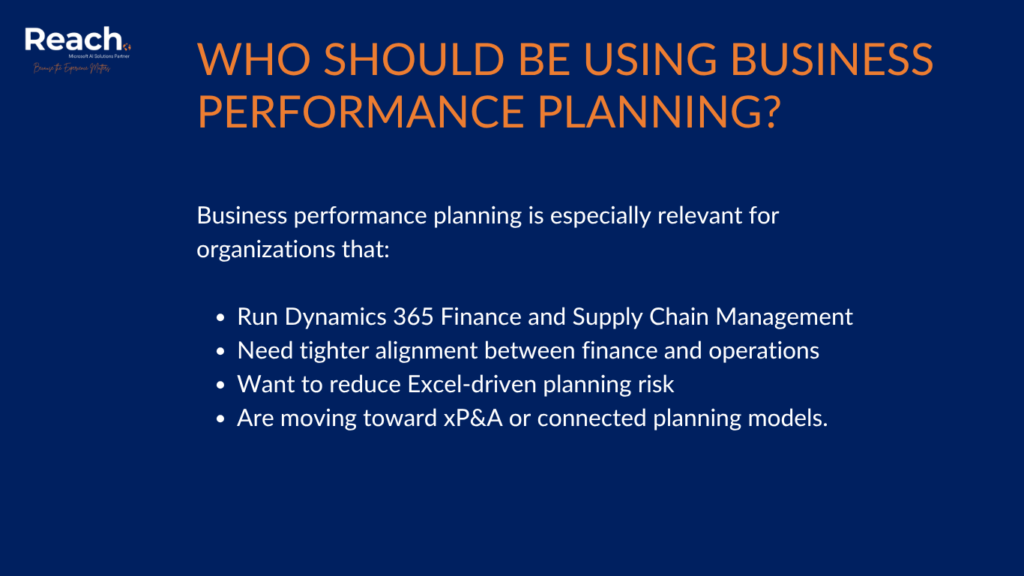
Who Should Be Using Business Performance Planning?
Business performance planning is especially relevant for organizations that:
- Run Dynamics 365 Finance and Supply Chain Management
- Need tighter alignment between finance and operations
- Want to reduce Excel-driven planning risk
- Are moving toward xP&A or connected planning models.
If your teams already use Power BI and Excel, BPP builds on those habits rather than replacing them.
Ready to Modernize Planning with Dynamics 365?
If you’re looking to connect financial and supply chain planning, improve forecast accuracy, and move toward extended planning and analysis, Reach can help.
Contact Reach today to discuss Dynamics 365 Finance & Supply Chain Management implementation and Business performance planning—and turn planning into a competitive advantage.
It is Microsoft’s native planning and analytics capability that enables integrated financial and operational planning using Dataverse, Power BI, and Excel.
Traditional budgeting is static and finance‑centric. Business performance planning supports scenario modeling, write-back, and collaboration across finance and operations.
No. Excel remains a core interaction tool, enhanced with structured models, governance, and real-time data integration.
Yes. Because it is built on Dataverse, Power Automate can be used for approvals, alerts, and planning workflows.